

T05
Boomo Trace – Drawing take-off
Create traceable quantities from a PDF plan instead of copying disconnected numbers into a worksheet. Calibrate each page, attach measurements to the drawing revision, and keep count, line and area results distinct.
Attachment Warehouse · Optional
Attachments for this job
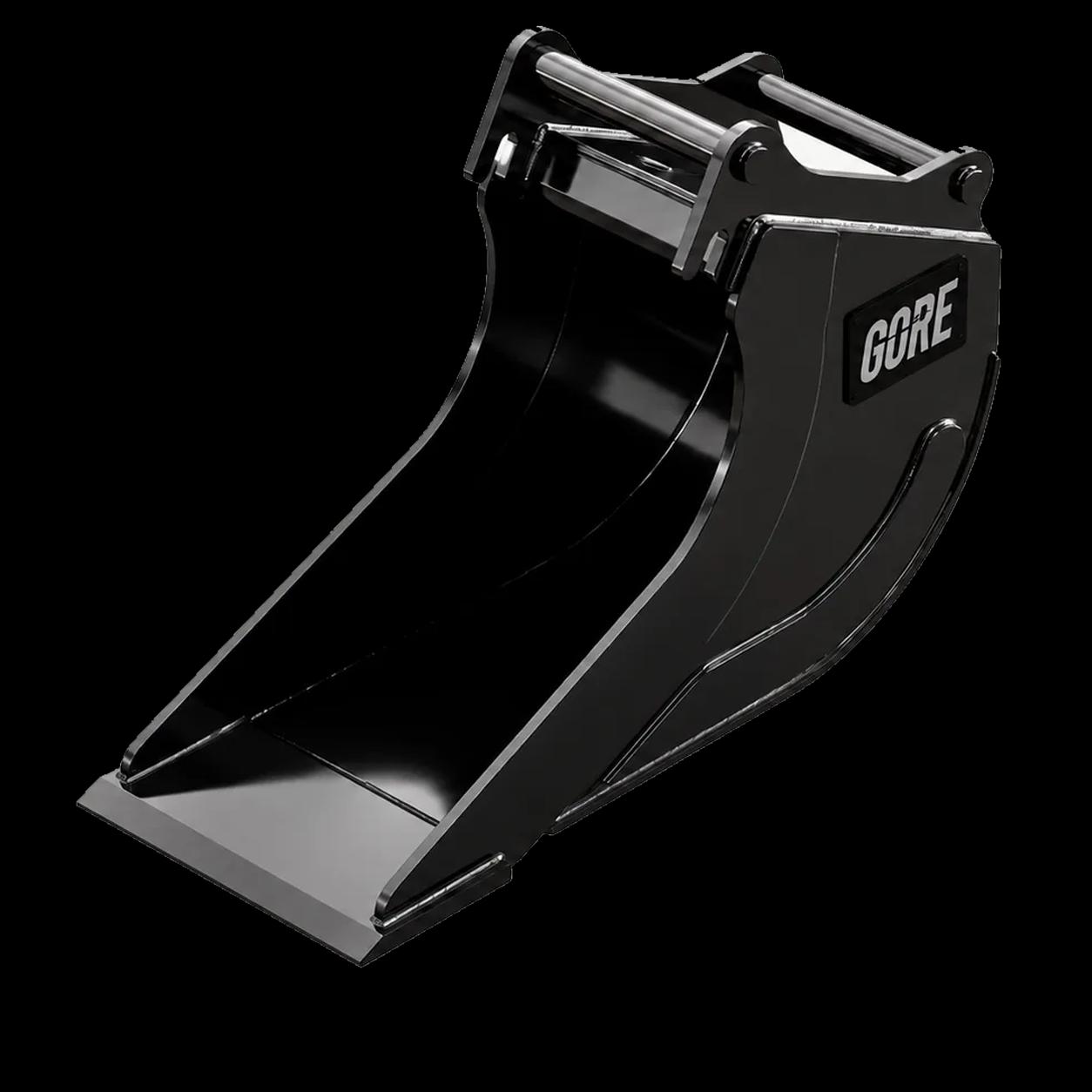
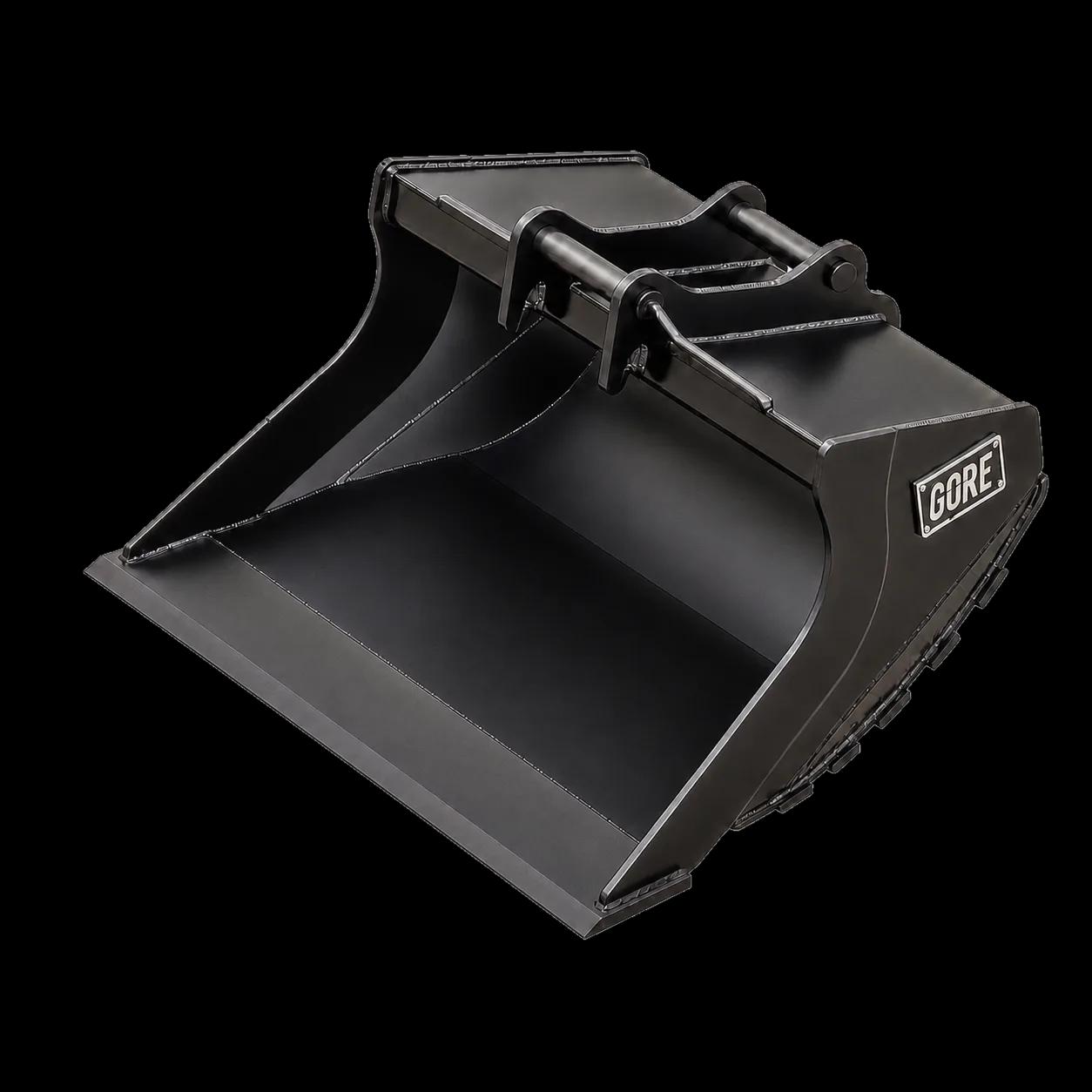
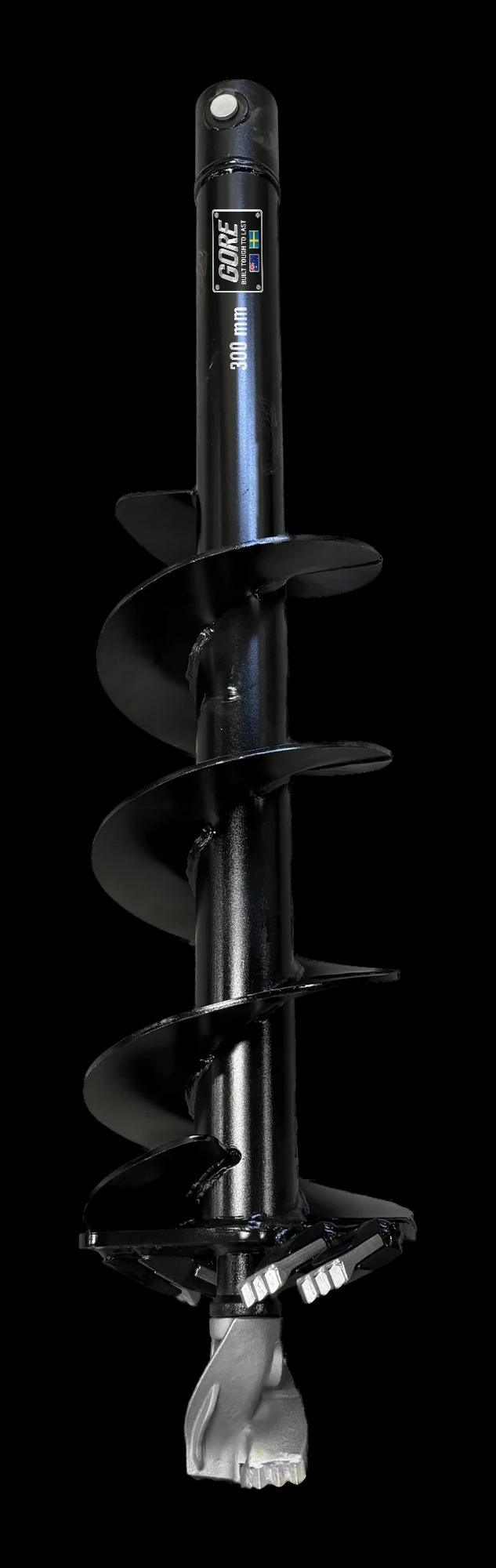
Plan quantities map to attachments: measured lengths to trench buckets, areas to grading buckets, counts to auger bits.
How it works
- 01
Load the current drawing revision on this device. A different file is detected by its fingerprint. Calibrate the selected page against a dimension whose real length you know.
- 02
Measure lines, polygons and counts. Add exclusions and an explicit depth only where the selected area should become a volume.
- 03
Check a second known dimension and review the quantity sheet. Replacing the drawing requires affected measurements to be reviewed again.
Formula
Real distance = measured page distance × calibration scale. Area scales with the square of the length scale.
Area-derived volume = net measured area × explicit depth. Counts remain counts unless a separate unit quantity is supplied.
Load labelled example
A 100 mm line on a calibrated page represents 5 m, giving a scale of 50. A 200 × 100 mm rectangle represents 10 × 5 m: 50 m², or 10 m³ at an entered depth of 0.2 m.